
You can analyse a specific document or a set of different documents within your matter with AI matter intelligence.
In the example below, we will analyse all the documents within the demo matter.
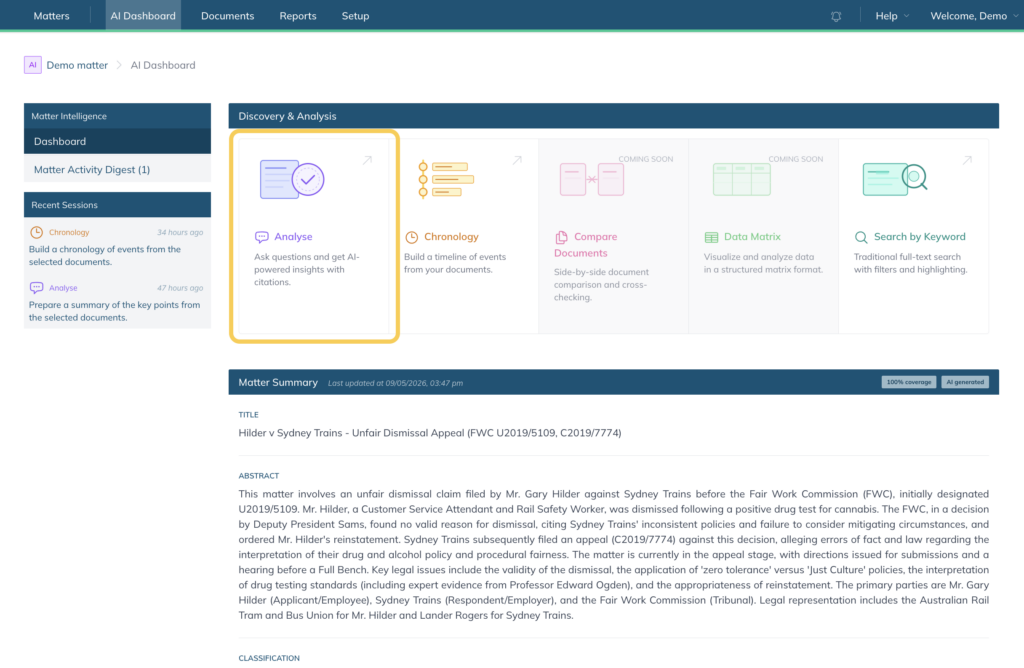
1. Go to the matter, go to “AI Dashboard”, and select “Analyse”:
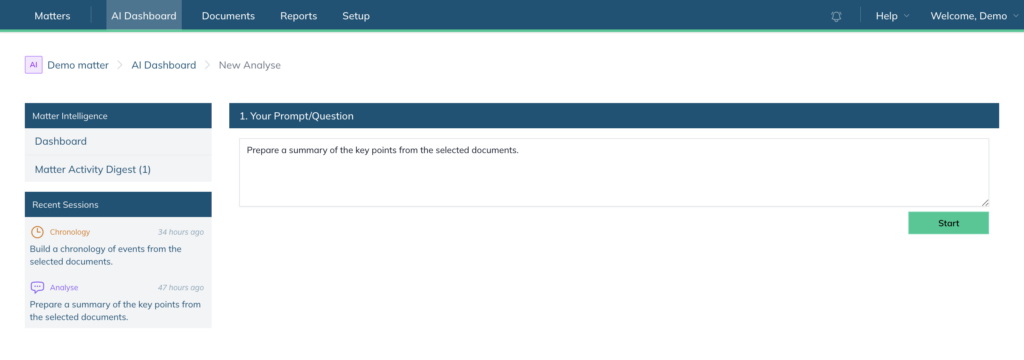
2. Enter your prompt or question and select “Start”
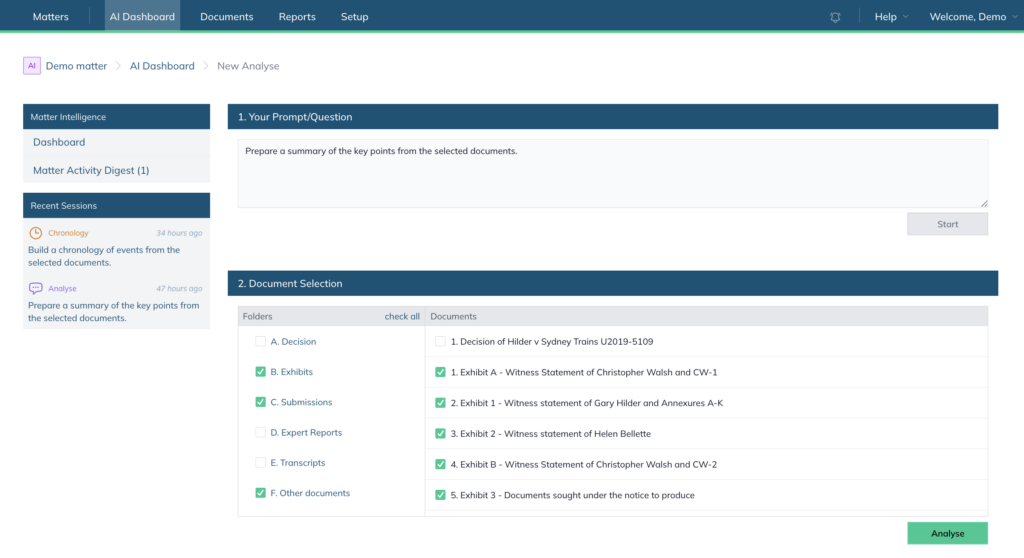
3. Select the relevant documents and click “Analyse”:
Once the document(s) have been processed, the response will be displayed and saved in the “Recent Sessions” section. You can also export the results as an offline DOCX file by selecting “Export DOCX” in the top-right corner.
Note: If the document(s) are being processed for the first time, the system will take slightly longer to produce a response.

Note: You can also create a chronology from your matter.